Tempo
Keep tasks, notes and working time in one place.
Keep tasks, notes and working time in one place.
See it in action
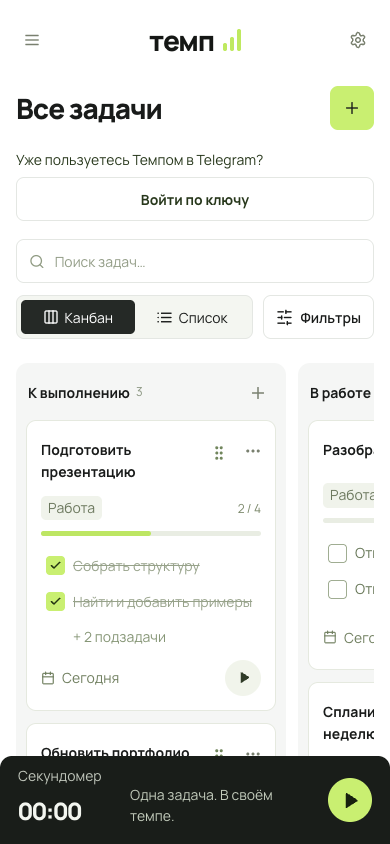
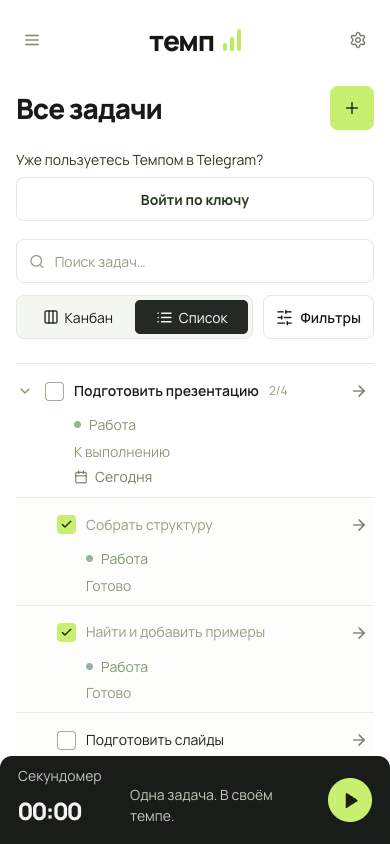
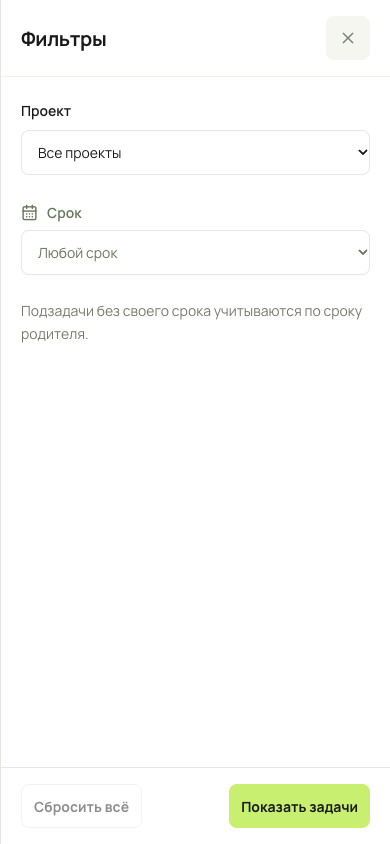
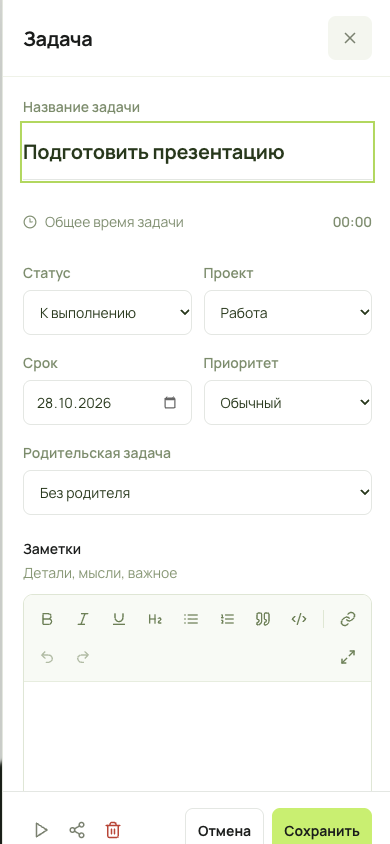
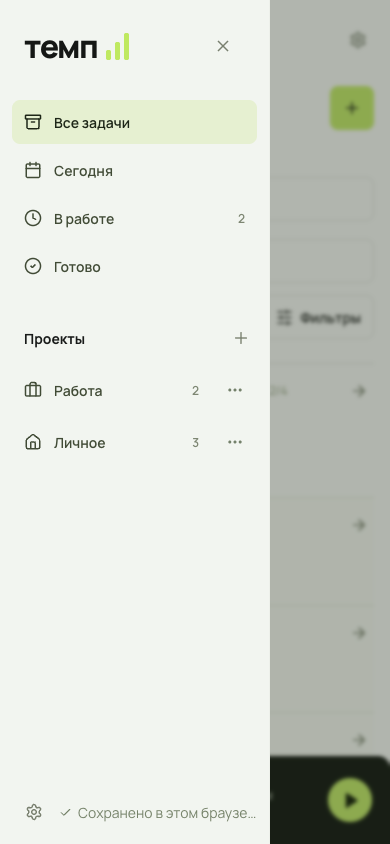
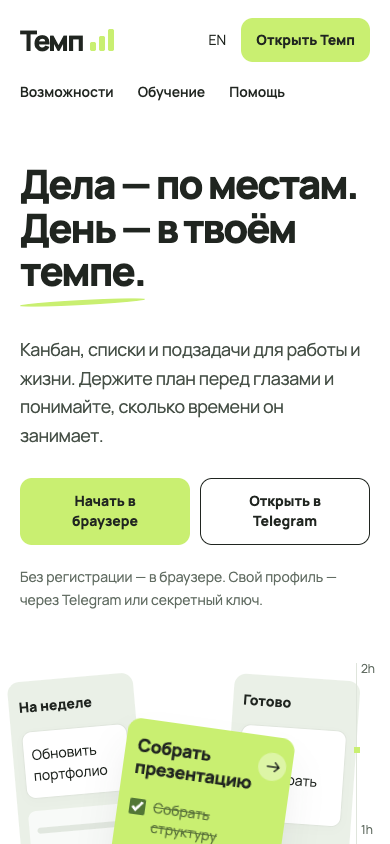
Application screens with demonstration data.
What it is for
For a personal project or a shared board. Switch between kanban and list views, break large tasks into subtasks and keep working notes alongside them. The timer tracks time spent in individual sessions.
For tasks and projects
Tempo brings tasks, notes and time together. Use it for a personal list or a project with a shared board.
Work in the view that suits you
Use a list for a sequence or a kanban board to see the state of work. Break a larger task into subtasks and keep notes and session time beside it.
Features in detail
List and kanban
Switch between a list and a board. Move cards within or between kanban columns; their order is saved.
Project structure
Break tasks into nested subtasks, add formatted notes and configure project status names and order.
Search and due dates
Filter tasks by due date, such as today, overdue or a selected range. Combine the filter with search and project selection.
Time and collaboration
A stopwatch or interval timer records completed sessions in task history. Shared projects support owner, editor and viewer roles after Telegram sign-in.
Where to start
Create a project → add a task and subtasks → choose list or kanban → start a work session and save its time.
Description based on project sources and public materials. Sign-in, synchronisation and other server flows were not tested as part of this preview.
Back to all projects